
MacBook Repair in Las Vegas
For macbook repair in Las Vegas, call All City Wireless at (702) 413-4018 with your device model and symptoms.
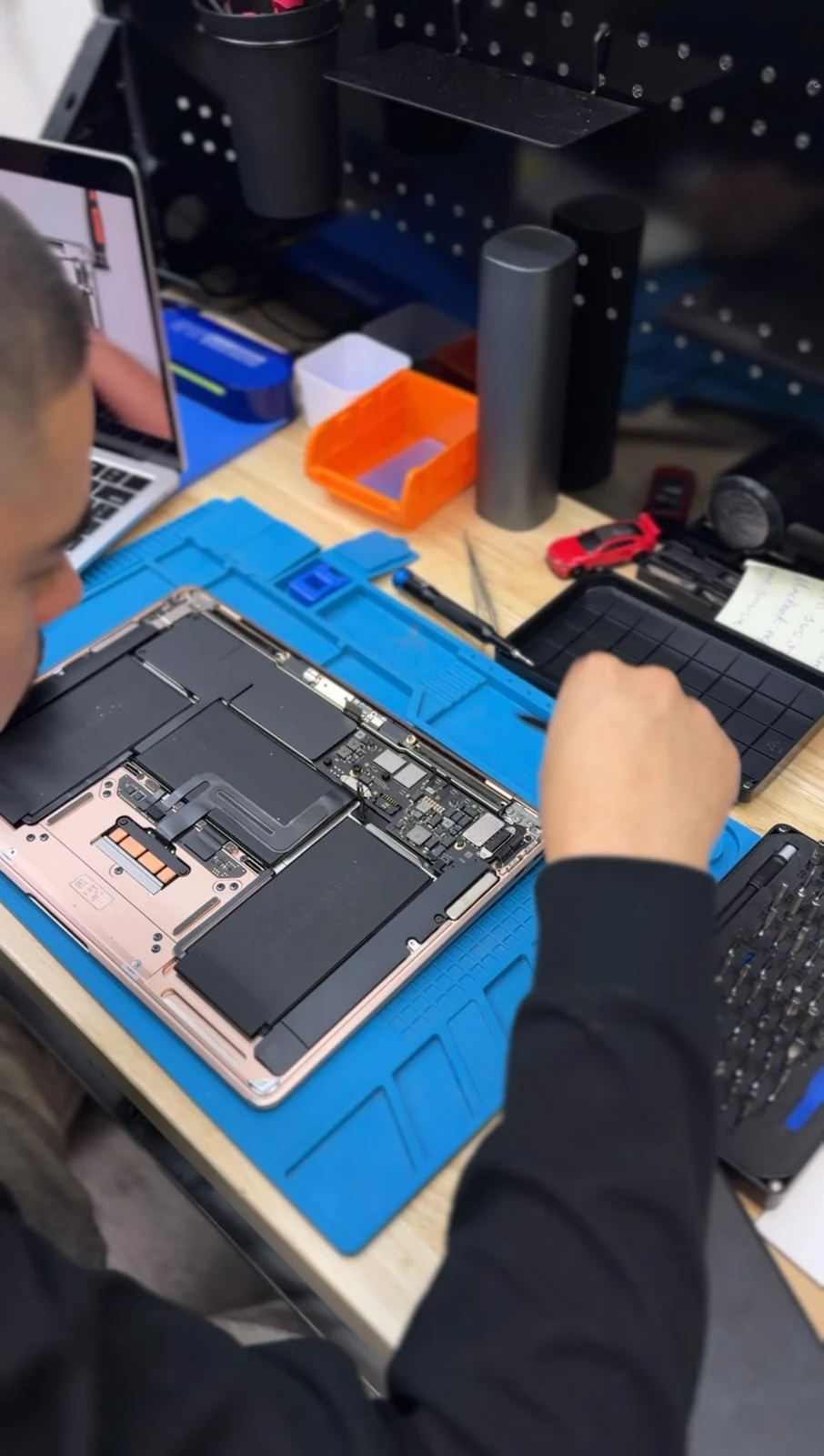
A MacBook often holds more than files. It may be the machine used for work, classes, creative projects, finances, or travel. When the display fails, the keyboard stops responding, or the computer will not charge, the priority is getting a clear assessment without guessing. Contact All City Wireless about MacBook repair in Las Vegas at 1155 E Twain Ave #103, Las Vegas, NV 89169.
(702) 413-4018
1155 E Twain Ave #103, Las Vegas, NV 89169
Have the device brand, exact model, and symptoms ready so the store can confirm current service availability.
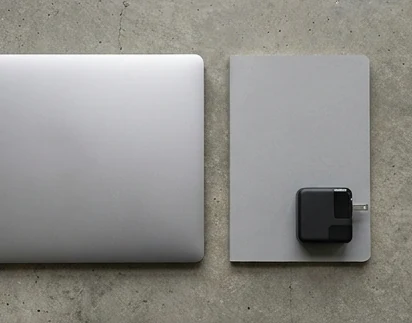
MacBook Repair: MacBook Air and MacBook Pro Are Not Interchangeable
The model, year, screen size, and processor generation can affect every service decision. A MacBook Air and MacBook Pro may look similar but use different displays, batteries, ports, keyboards, and internal layouts. Find the model details in About This Mac, on the bottom case, original receipt, or Apple account.
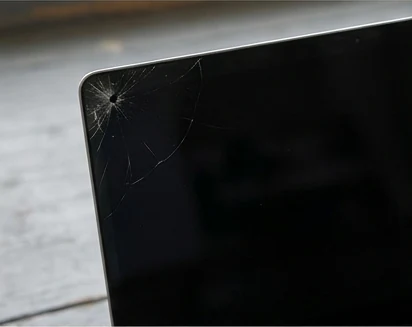
Screen, Keyboard, and Trackpad Problems
A damaged display may show cracks, lines, flicker, uneven backlighting, or no image. Keyboard symptoms can include repeating keys, dead rows, sticky input, or a machine that behaves as though a key is held down. Trackpad trouble may relate to impact, liquid, the trackpad itself, or pressure from a battery beneath it.
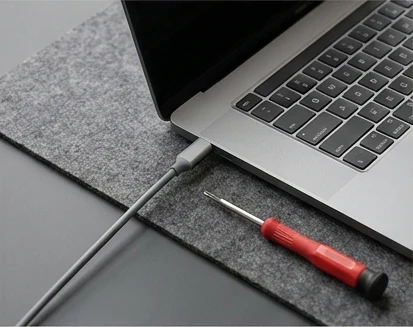
Battery, Charging, Heat, and No Power
A MacBook that shuts down early, charges intermittently, runs hot, or shows no power needs a careful sequence of checks. Bring the charger information and note any warning messages. If liquid was involved, disconnect power, stop trying to boot the machine, and explain what was spilled and when.
Protect the Data Before the Repair Decision
Back up the Mac when it is stable enough. If the computer no longer starts, say whether the data is more important than restoring the machine. Do not assume that a hardware repair automatically includes data recovery, account access, or software setup.
Local MacBook Help in Las Vegas
All City Wireless is located at 1155 E Twain Ave #103, Las Vegas, NV 89169. Call (702) 413-4018 with the MacBook model or year, symptoms, and whether your files are a priority. The store can confirm current support before you bring the computer from Paradise or elsewhere in the Las Vegas Valley.
Frequently Asked Questions
Have the device brand, exact model, and symptoms ready so the store can confirm current service availability.
How do I find my MacBook model and year?
Use About This Mac when the computer starts. Otherwise, check the serial or model number on the bottom case, packaging, receipt, or Apple account.
Why is my MacBook trackpad hard to click?
A trackpad fault, physical damage, debris, or pressure from a swelling battery may be involved. Stop using the MacBook if the case is separating or bulging.
What should I do after spilling liquid on a MacBook?
Disconnect power, shut it down if possible, and avoid repeated startup attempts or heat. Tell the store what was spilled and when.
Will MacBook repair preserve my files?
Not every repair affects data, but no repair should be treated as a backup. Back up when possible and state clearly if data preservation is the priority.
Does All City Wireless support every MacBook Air and Pro?
Support depends on the exact model, year, condition, and required work. Call first with identifying information.
Looking for MacBook repair in Las Vegas?
Call (702) 413-4018 or visit All City Wireless at 1155 E Twain Ave #103, Las Vegas, NV 89169. Confirm the model and requested service before traveling.