
Computer Repair in Las Vegas
For computer repair in Las Vegas, call All City Wireless at (702) 413-4018 with your device model and symptoms.
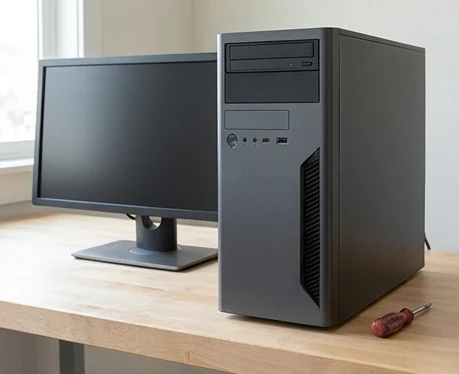
A desktop that will not start, freezes during ordinary work, loses its network connection, or takes several minutes to open basic programs can disrupt a home office or small business. All City Wireless provides a local contact point for computer repair in Las Vegas at 1155 E Twain Ave #103, Las Vegas, NV 89169. Call with the computer type and symptoms before transporting it.
(702) 413-4018
1155 E Twain Ave #103, Las Vegas, NV 89169
Have the device brand, exact model, and symptoms ready so the store can confirm current service availability.
Computer Repair: Desktop Problems Need a Clear Description
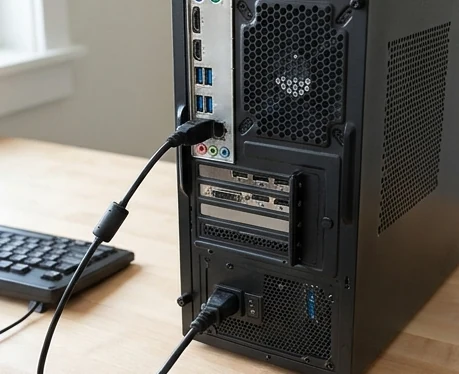
A computer that appears dead may have a power, display, cable, peripheral, or internal component problem. A computer that runs slowly may be limited by storage, memory, software, background activity, malware, heat, or age. Describe what happens from the moment the power button is pressed, including lights, fans, sounds, messages, and display behavior.
Hardware, Storage, and Upgrade Questions
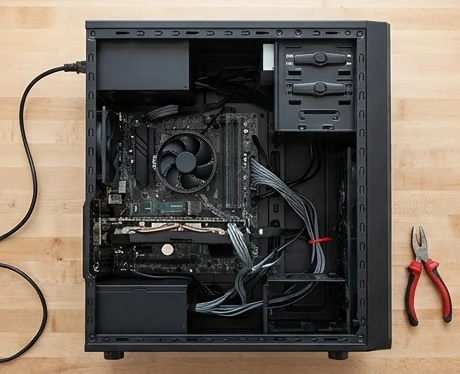
Customers often ask about hard drives, solid-state drives, memory, power supplies, cooling, and startup failures. The correct option depends on the desktop design, current components, operating system, and intended use. No upgrade should be promised before compatibility and condition are checked.
Software, Security, and Data Priorities
Unexpected pop-ups, browser redirects, account warnings, crashes, update failures, and missing files require different conversations. If sensitive business or personal information is involved, explain that at intake. Ask what data-handling steps are used and whether the customer has a current backup.
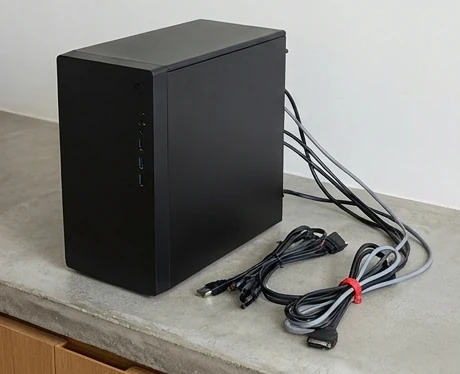
PC, iMac, and Laptop Pages Have Different Jobs
Desktop PCs, iMacs, Windows laptops, and MacBooks have different designs and service questions. Use the iMac information for an Apple all-in-one, Laptop Repair for portable Windows or Chromebook systems, and MacBook Repair for Apple laptops. This section focuses on desktop PCs and general computer concerns.
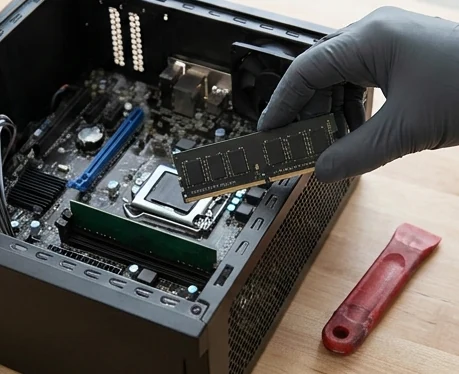
Bring a Computer to the Las Vegas Store
Call (702) 413-4018 before transporting a desktop to 1155 E Twain Ave #103, Las Vegas, NV 89169. Ask whether the tower, power cable, monitor, keyboard, or other accessory is needed for the specific problem. Protect the computer from movement and never transport it while powered on.
Frequently Asked Questions
Have the device brand, exact model, and symptoms ready so the store can confirm current service availability.
What should I bring with a desktop computer?
Usually the tower and power cable are the starting point, but bring the monitor or accessory if the problem involves that item. Call first for specific instructions.
Why does my computer turn on but show no display?
The monitor, cable, input setting, graphics hardware, memory, power, or another component may be involved. Note lights, fans, and beep codes.
Can a slow computer be upgraded instead of replaced?
Sometimes. Storage, memory, software condition, age, and intended use determine whether an upgrade makes financial sense.
Will virus removal save all my files?
No outcome should be guaranteed before evaluation. Back up important files when possible and explain whether data preservation is the priority.
Does All City Wireless repair business computers?
The page can address computers used by owners and offices, but account, network, server, on-site, and managed-service support must be confirmed directly with the store.
Looking for computer repair in Las Vegas?
Call (702) 413-4018 or visit All City Wireless at 1155 E Twain Ave #103, Las Vegas, NV 89169. Confirm the model and requested service before traveling.