
iMac Repair in Las Vegas
For imac repair in Las Vegas, call All City Wireless at (702) 413-4018 with your device model and symptoms.
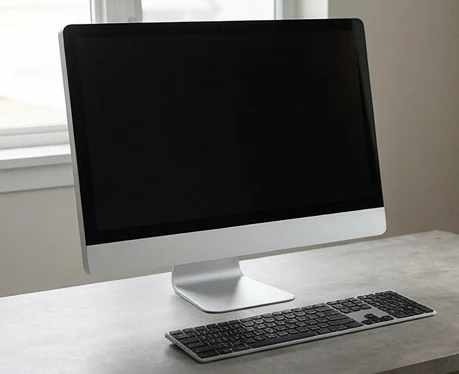
An iMac is a desktop, display, camera, speakers, and storage system in one enclosure. When it slows down or fails, moving to another screen is not always an easy temporary fix. All City Wireless offers a local contact point for iMac repair in Las Vegas. Call before transporting the computer to 1155 E Twain Ave #103, Las Vegas, NV 89169 so the store can confirm support for the model and issue.
(702) 413-4018
1155 E Twain Ave #103, Las Vegas, NV 89169
Have the device brand, exact model, and symptoms ready so the store can confirm current service availability.
iMac Repair Is Different From MacBook Repair
An iMac has different service needs from a MacBook. As an all-in-one desktop, it combines the display, power system, storage, cooling, ports, speakers, camera, and macOS computer in one enclosure. Tell the store whether the problem involves startup, the display, heat, storage, sound, accessories, or overall performance.

Startup, Power, and Display Symptoms
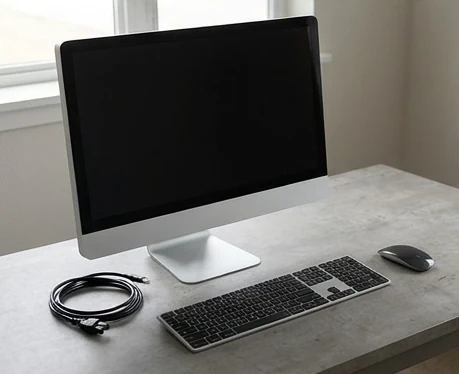
An iMac may show no power, a blank screen with startup sounds, repeated restarts, a folder icon, display lines, flicker, or shutdowns after warming up. Record exactly what appears and whether accessories respond. Disconnect unnecessary peripherals before testing, but do not open the computer or work around internal power components.

Slow Performance and Storage Decisions
A slow iMac may be limited by storage condition, available space, memory, software, background processes, heat, or age. Not every model can be upgraded the same way. The model year and configuration should be confirmed before discussing storage, memory, or operating-system options.
Prepare an iMac for Service
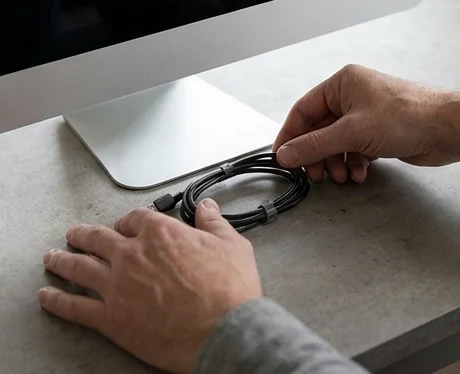
Back up files if the computer remains stable. Note the account setup, recent updates, noises, error messages, and when the problem began. Bring the power cable and any accessory directly related to the issue. Ask before transporting additional peripherals.

Local Apple Desktop Help
Call (702) 413-4018 before bringing an iMac to 1155 E Twain Ave #103, Las Vegas, NV 89169. Because iMacs are larger and model-specific, confirming service availability first saves an unnecessary trip and helps the store prepare for safe intake.
Frequently Asked Questions
Have the device brand, exact model, and symptoms ready so the store can confirm current service availability.
Why is my iMac turning on but showing a black screen?
The display, backlight, internal connection, graphics, startup process, or another component may be involved. Note any sounds and request an evaluation.
Can an older iMac be upgraded?
Some models allow useful storage or memory changes, while others are more limited. The exact year and configuration must be checked first.
Should I bring my keyboard and mouse?
Bring them if the problem involves input, Bluetooth, login, or pairing. Otherwise, ask the store what is needed for intake.
How should I transport an iMac?
Shut it down, disconnect cables, protect the display with a clean soft layer, keep it upright, and secure it from movement. Do not place pressure on the screen.
Does All City Wireless repair every iMac model?
Model support varies. Call with the serial/model information and symptoms before transporting the computer.
Looking for iMac repair in Las Vegas?
Call (702) 413-4018 or visit All City Wireless at 1155 E Twain Ave #103, Las Vegas, NV 89169. Confirm the model and requested service before traveling.